Intent
Start with what matters: the audience, the medium, the question. An uncertain impression is welcome.
“This should feel quieter.”
A portable creative workflow for exploring a direction, making editable studies, and keeping the choices that matter.
No required backend or account connection.
Optional local tools.
A study is something to react to.
Not a verdict.
01 / The workflow
Start with what matters: the audience, the medium, the question. An uncertain impression is welcome.
“This should feel quieter.”
Make a useful comparison, a visual fragment, or one editable artifact. Give the idea something to stand on.
“Show two different hierarchies.”
Look at the actual result. Notice what works, what feels unresolved, and which choice is worth exploring next.
“Keep this layout. Soften the type.”
Keep the source, the chosen direction and its scope. Leave a clear way back when the project changes.
“For this poster, use the first study.”
A question can be enough. So can one study.
Read the portable workflow
02 / In the work
Different formats. Different questions.
Original fictional studies, with their sources
and limits left in view.
Historical study / V3
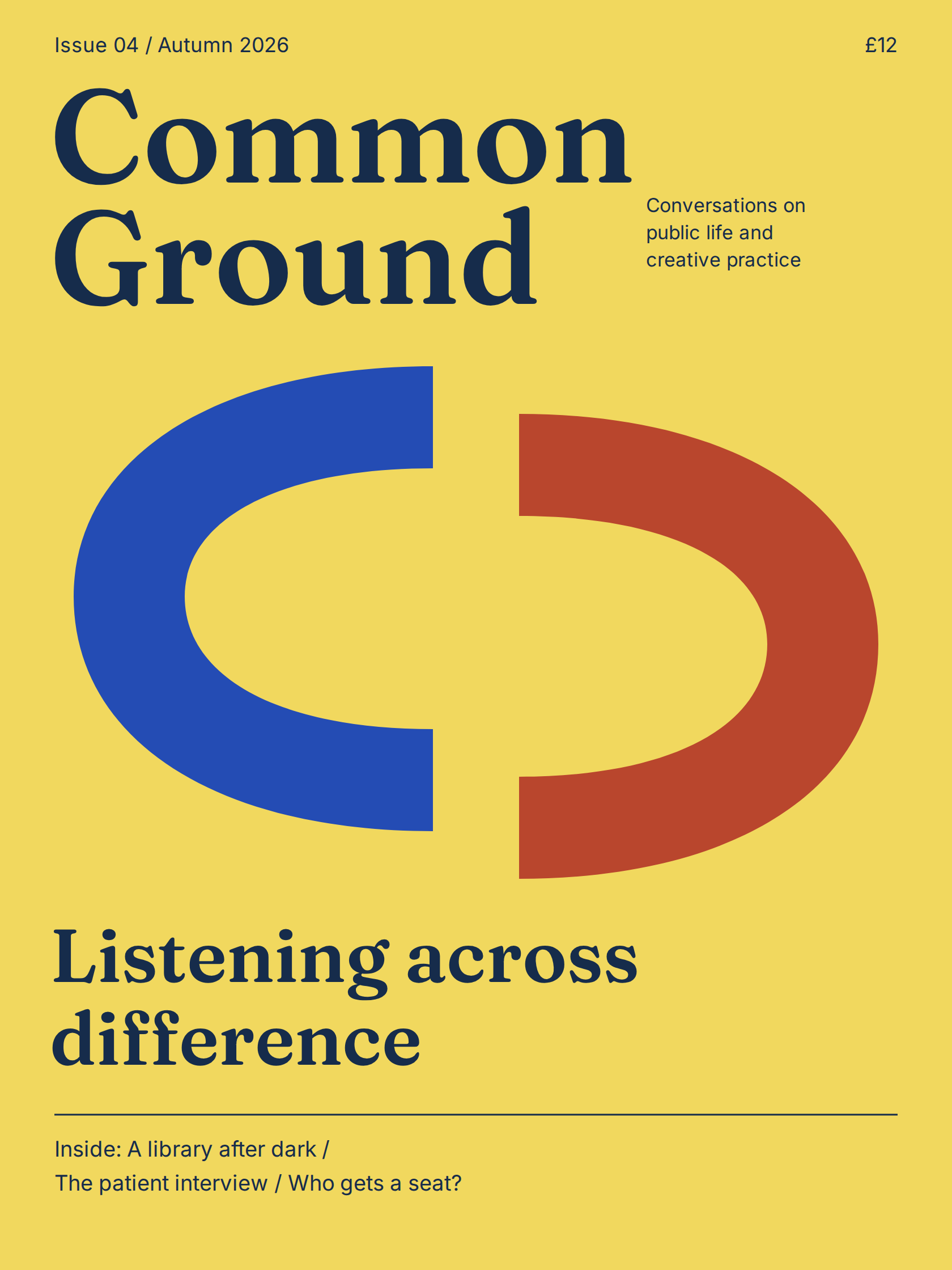
A publication cover built around a bold editorial hierarchy and two open forms in conversation. The type and artwork remain editable.
A cover study for review. Print production and editor import remain untested.
Inspect the source Open the interactive website Download editable studies (.zip)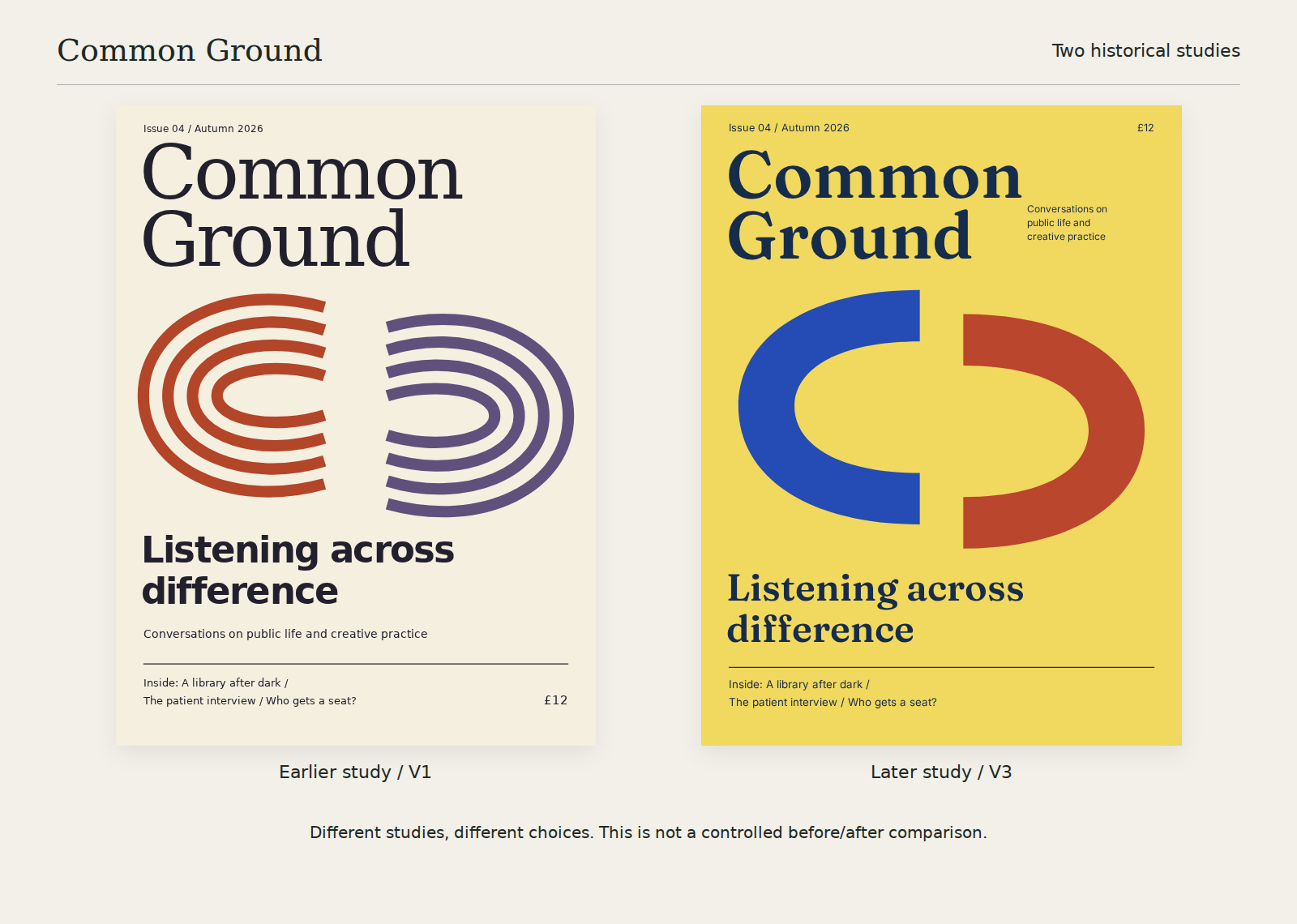
Preserved historical studies make the decisions visible. These are different artifacts with different scopes, not a controlled before/after comparison or a claim that one is better.
Explore the study timeline03 / A closer look
From intent to an editable result.
A walkthrough using the actual studies.
04 / Begin here
No grand brief required.
Pick one uncertainty. Make one useful thing.
Set up Codex, ChatGPT or Claude. Use a project-local skill, a guidance ZIP or instructions pasted into chat.
In Codex use $ingenium; in Claude Code use /ingenium. For Claude chat, download the guidance ZIP and enable it in Customize → Skills. ChatGPT setup depends on your workspace.
Start with the prompt here, open the editable files, then say what to keep and what to change.
Use Ingenium. I am making a poster for a fictional evening garden event. It should feel quiet and welcoming, with a title, a date and a short invitation. Show two different organizing ideas as editable SVG studies. Keep the wording the same so I can compare the hierarchy. Do not use image generation or external references.
Node 22+ is required for helpers. From a cloned checkout:
npm ci --ignore-scripts
node bin/ingenium.mjs capabilities
node bin/ingenium.mjs check examples/records/poster.json
mkdir -p work/first-study
node bin/ingenium.mjs render examples/svg/clipped-orbit.svg work/first-study/orbit.png
Choose a fresh output filename. PNG export requires optional Sharp; an absent or errored renderer stays unavailable. This example check validates a record, not a design.
Separate renderer setupLocal tarball routeExperimental package 0.1.0 · Package declares private: true.
Portable package structure checked. Verify discovery in your client.
Desktop discovery unverified. Client installation routes vary.
05 / Useful boundaries
The workflow can begin with a question. Resources and local helpers join when they serve the task. Missing tools are reported honestly.
Editable originals, separate exports, scoped choices and relevant notices make the result easier to revise and reuse.
A render, a contrast result or a layout check can answer a narrow question. It cannot decide taste, acceptance or engineering adequacy.
Start with a question, an artifact, or the feeling
that something is almost right.
